If you have heard of OnlyFans but have no idea how it actually works, you are in the right place. This is a plain, complete guide to how OnlyFans works in 2026, from creating an account to subscribing, paying, staying private and cancelling. No hype, no judgement, just the mechanics, plus the one habit that keeps your money safe.
What is OnlyFans?
OnlyFans is a subscription content platform launched in 2016 and based in London. Creators publish photos, videos and posts behind a paywall, and fans pay to access them. It is best known for adult content, but it also hosts fitness coaches, musicians, chefs and other creators. The core idea is simple: you pay the individual creator you want to follow, and the platform handles the technology and the payments.
How does OnlyFans work, step by step?
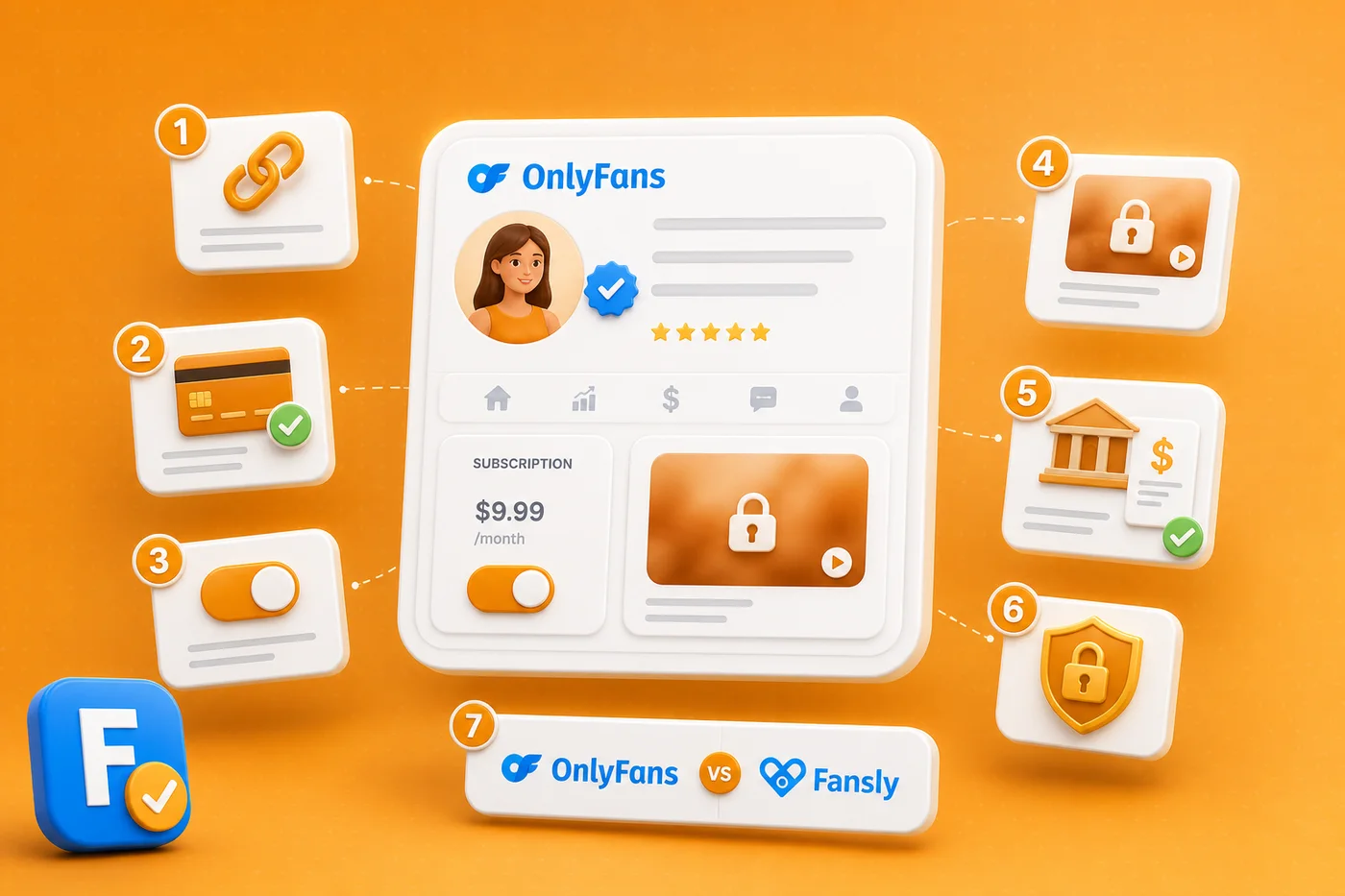
From a fan's point of view, the whole flow takes a few minutes:
- Create an account. Sign up with an email address and confirm you are over 18. Browsing the site is free until you subscribe to someone.
- Find a creator. OnlyFans has no real public search, so you reach a creator through the link they share on their own social media. This is the step where verifying the link matters most.
- Add a payment method. You add a card once. Every purchase after that runs through the same secure in-platform checkout.
- Subscribe. You pay the creator's monthly price and instantly unlock their content. The price is always shown before you confirm.
- Interact and buy extras. On top of the subscription you can send tips or unlock pay-per-view messages, all optional and always priced upfront.
- Manage or cancel. Subscriptions renew automatically each month until you turn off the renewal, which you can do at any time.
How much does OnlyFans cost?
There is no single price. Each creator sets their own monthly subscription, anywhere from free up to a maximum allowed by the platform, and tips or pay-per-view messages are charged on top. Some creators run free pages or limited trials too. We break the numbers down in our guide on how much OnlyFans costs, and explain the catch behind free OnlyFans accounts.
How do payments and privacy work?
Payments are processed by regulated card companies, the same ones behind ordinary online shopping. A common worry is the bank statement: OnlyFans uses a discreet billing descriptor rather than the word you might expect, which we cover in detail in does OnlyFans show on your bank statement. The key principle is that everything stays inside the platform, and that is exactly what protects you.
Is OnlyFans safe?
As a platform, yes. Payments are handled securely, creators must verify their identity, and your card details are never shared with them. The real risk lives around OnlyFans, not inside it: impersonator profiles and off-platform payment requests. A one-minute check before you subscribe removes almost all of it. Our guide on how to spot a fake OnlyFans profile shows you exactly what to look for.
How do you cancel an OnlyFans subscription?
Because subscriptions renew automatically, the most common question after subscribing is how to stop. It takes a few taps: you turn off auto-renew on the creator's page and keep access until the period you already paid for ends. The full walkthrough is in how to cancel an OnlyFans subscription.
💡 Not sure a creator is worth it? Read real reviews before you subscribe.
Browse reviewsHow does OnlyFans compare to other platforms?
OnlyFans is the biggest name, but not the only option. The main alternative, Fansly, adds tiered pricing, free follows and a real in-app search. If you are deciding where to spend, our OnlyFans vs Fansly comparison puts them side by side, and our full OnlyFans review covers the platform's strengths and weaknesses in depth.
The one thing OnlyFans will not tell you
OnlyFans makes the payment work, but it will never tell you whether a specific creator is worth your money, or even whether the profile is really theirs. That is the gap FanChecked fills. Search any creator on FanChecked, read verified reviews from real subscribers, and follow the official link straight from their profile. Free, no login required.
OnlyFans handles the payment. Whether it is worth paying is a question about the creator, not the platform.
Frequently asked questions
Do you need to pay to use OnlyFans?
Creating an account and browsing is free. You only pay when you subscribe to a creator or buy an extra like a tip or a pay-per-view message. Some creators also offer free pages.
Can people see what I subscribe to on OnlyFans?
No. Your subscriptions are private, creators only see a username you choose, and your card details are never shared with them. Payments appear on your statement under a discreet descriptor.
Does OnlyFans work without a credit card?
You need a valid payment method to subscribe or buy anything, but you can create an account and look around without adding one. Accepted methods are shown at checkout.
How do creators get paid on OnlyFans?
OnlyFans publicly states that creators keep 80% of their earnings while the platform takes 20%. Creators verify their identity and withdraw their balance once it passes the platform minimum.
Is OnlyFans anonymous?
For fans it is fairly private: you choose a display name and your real identity is not shown to creators. It is not fully anonymous, since you still need an email and a payment method, both handled securely by the platform.
Note. This guide reflects publicly available information about OnlyFans as of June 2026. FanChecked is an independent review platform and is not affiliated with, endorsed by, or sponsored by OnlyFans. Features, fees and terms change over time: always check the official site before making decisions.