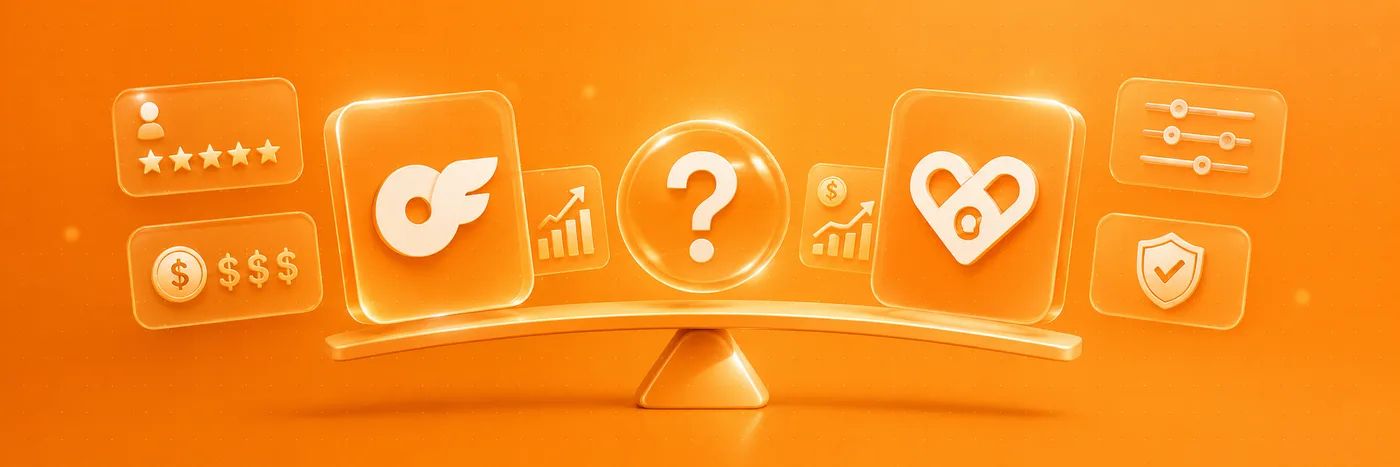
OnlyFans and Fansly are the two names that come up most when people talk about subscription platforms for creators. On the surface they look almost identical, but the differences matter, whether you are a fan deciding where to subscribe or a creator deciding where to build. Here is an honest, side-by-side look, with no hype.
The quick answer
If you want the biggest audience and instant name recognition, OnlyFans is hard to beat. If you want flexible pricing tiers, stronger built-in discovery and a more modern interface, Fansly is the serious challenger. Neither is “better” in the abstract: the right choice depends on what you actually need.
Subscriptions and pricing
OnlyFans is built around a single monthly subscription per creator, plus pay-per-view messages and tips. Fansly works differently: a creator can offer several subscription tiers at once, from a free or low-cost entry level up to premium tiers, so fans pick the level they want. For fans that means more choice; for creators it means more ways to package content.
Discovery: how people find creators
This is one of the clearest differences. OnlyFans deliberately keeps in-app discovery limited: most creators bring their own audience from social media. Fansly leans the other way, with more built-in browsing and discovery. If you are a fan exploring, Fansly can feel easier to navigate; if you are a creator, OnlyFans rewards those who already have a following.
Safety and trust: the part that matters most
Here is the key point both fans and creators forget: being on OnlyFans or Fansly does not, by itself, prove a profile is genuine. Impersonators and cloned accounts exist on every platform. The safe habits are identical wherever you subscribe: confirm you are on the official link, never pay outside the platform’s protected checkout, and look for independent, verified reviews before you spend.
Fees and payouts (for creators)
Both platforms take a similar cut of a creator’s earnings (commonly cited at around 20%). The practical differences are in the details: how subscription tiers are structured, how quickly funds can be withdrawn. Those terms change over time, so always check each platform’s current, official terms before you commit.
💡 Not sure a creator is worth it? Read real reviews before you subscribe.
Browse reviewsSo, which should you choose?
There is no universal winner. As a rough guide:
- Pick OnlyFans if you value the largest audience, maximum brand recognition, and you already bring your own following.
- Pick Fansly if you value flexible pricing tiers, stronger in-app discovery, and a more modern, browsable experience.
- As a fan, the platform matters less than the profile: verify the specific creator either way.
The platform is not the decision. The profile is: verify it before you pay, wherever it lives.
That is the gap FanChecked fills. Whichever platform a creator uses, you can look them up on FanChecked to see verified reviews, a transparent trust score and the official link, so you support real creators with confidence.
Frequently asked questions
Is OnlyFans or Fansly safer?
Neither platform is inherently safer than the other: both host genuine creators and both can be targeted by impersonators. Your safety depends on verifying the specific profile, staying on the official link and paying only through the platform’s protected checkout.
Can I use both OnlyFans and Fansly?
Yes. Many creators publish on both to reach different audiences, and fans can subscribe on whichever platform a creator they trust actually uses. Just verify each profile independently.
Does Fansly allow the same content as OnlyFans?
Both platforms allow adult content within their own rules, but each has its own terms and restrictions that can change over time. Always read the current, official guidelines of the platform you are using rather than assuming they are identical.
How do I know a creator’s profile is real?
Check the link lands on the official platform, make sure the username matches across their channels, and look for independent verified reviews, for example on FanChecked, before you subscribe.
Note. This article is for general information only and is not affiliated with, endorsed by, or sponsored by OnlyFans or Fansly. Platform features and terms change over time, so always check each platform’s official, current information before making a decision.