Before subscribing, a lot of people ask the same quiet question: will this show up on my bank statement? It is a fair concern, so here is the straight answer, plus what actually stays private on OnlyFans and a few habits that keep your subscriptions your own business.
The short answer: yes, it shows
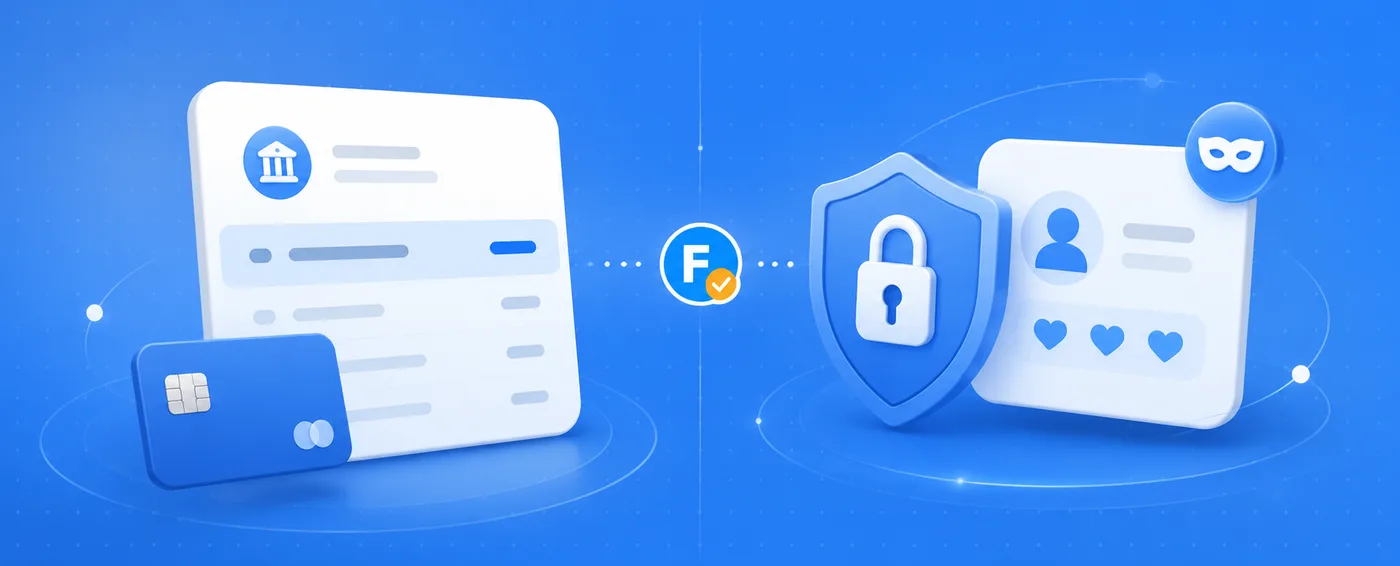
OnlyFans does not disguise its charges. Transactions on your card or bank statement carry a descriptor that typically contains the word "OnlyFans", and every charge appears separately: subscriptions, renewals, tips and pay-per-view purchases alike. The exact wording can vary by bank and payment method, but you should assume the name is recognizable to anyone reading the statement.
What stays private on the platform
On the platform itself, your activity is far more private than people fear. There are no public follower lists, no public likes, and other users cannot see which creators you subscribe to. You appear to creators with the username and display name you choose, not with the name on your card. The creator you pay sees your username and what you send them: nothing about your bank, address or real identity.
How to keep things discreet
A few simple habits cover almost every privacy concern:
- Use a dedicated card or a separate account for entertainment spending, so statements stay in one place that only you check.
- Pick a username that is not your real name, and do not reuse a profile photo that appears on your LinkedIn or social media.
- Use a personal email address, not a work or shared one: receipts arrive by email too.
- Never pay a creator outside the platform. Off-platform payments lose every protection and are the classic setup of OnlyFans scams.
What OnlyFans does not do
OnlyFans does not post anything to your social media, does not notify your contacts and does not appear in your name in other people's feeds. The two trails that exist are the ones you control: your bank statement and your email receipts. Manage those two and your subscriptions stay private.
💡 Not sure a creator is worth it? Read real reviews before you subscribe.
Browse reviewsOne last thing: discretion also means paying the right person. Before you subscribe, search the creator on FanChecked and follow the official link from their reviewed profile. Our OnlyFans review explains how payments and refunds work in more detail.
Frequently asked questions
Can I hide the OnlyFans name on my bank statement?
No. The descriptor is set by the platform and its payment processors, not by you. If discretion matters, use a dedicated card or account whose statements only you see.
Do tips and pay-per-view purchases show separately?
Yes. Each charge goes through the same payment method and appears as its own line on the statement, with the same recognizable descriptor as subscriptions.
Can other OnlyFans users see what I subscribe to?
No. There are no public follower lists and your subscriptions are not visible to other users. Creators see only the username and profile you choose to show.
Note. This guide reflects publicly available information about OnlyFans as of June 2026. FanChecked is an independent review platform and is not affiliated with, endorsed by, or sponsored by OnlyFans. Prices, features and terms change over time: always check the official site before making decisions.