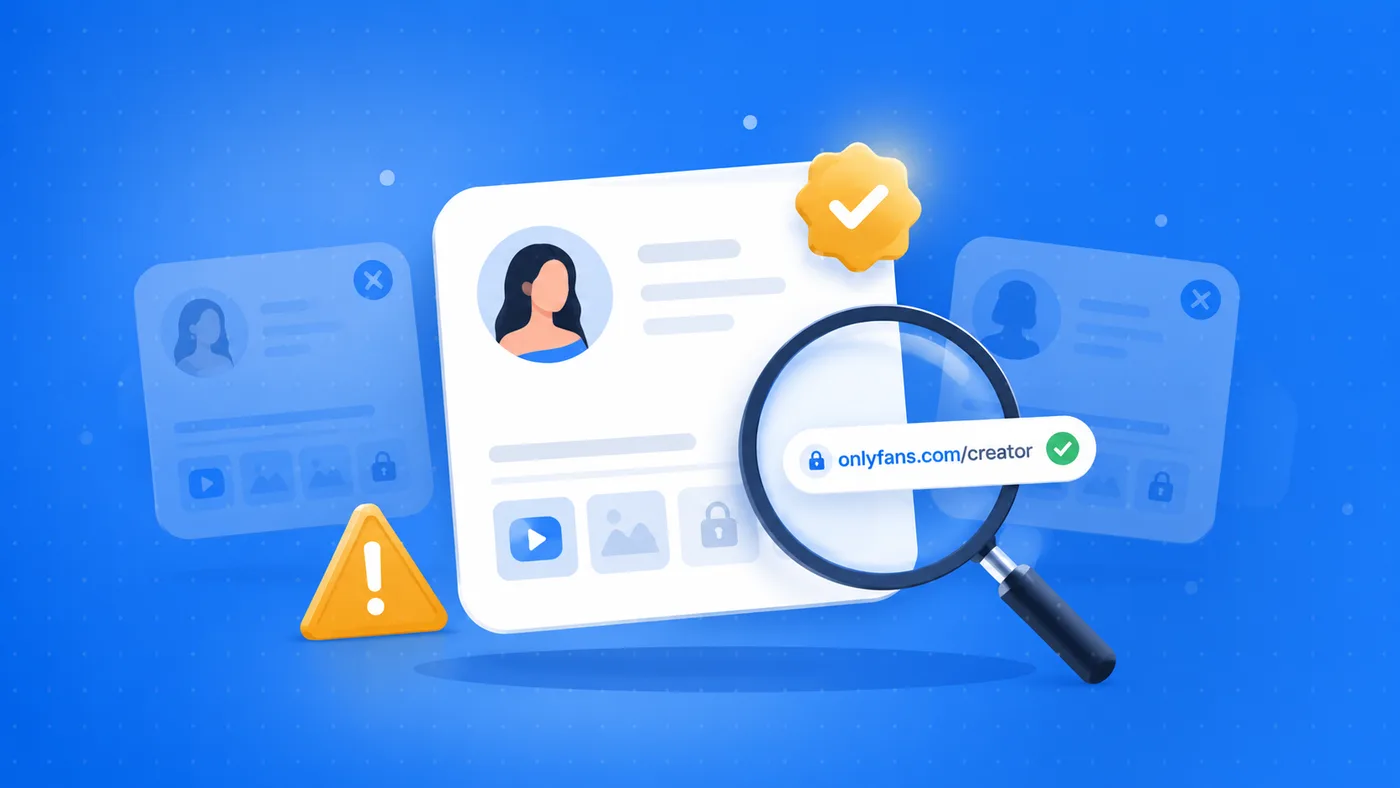
Subscribing to a creator should be simple and safe. Sadly, not every profile is genuine: some are cloned, others are run by third parties who vanish after the payment. Here is how to tell a real account from a potentially fraudulent one, before you reach for your card.
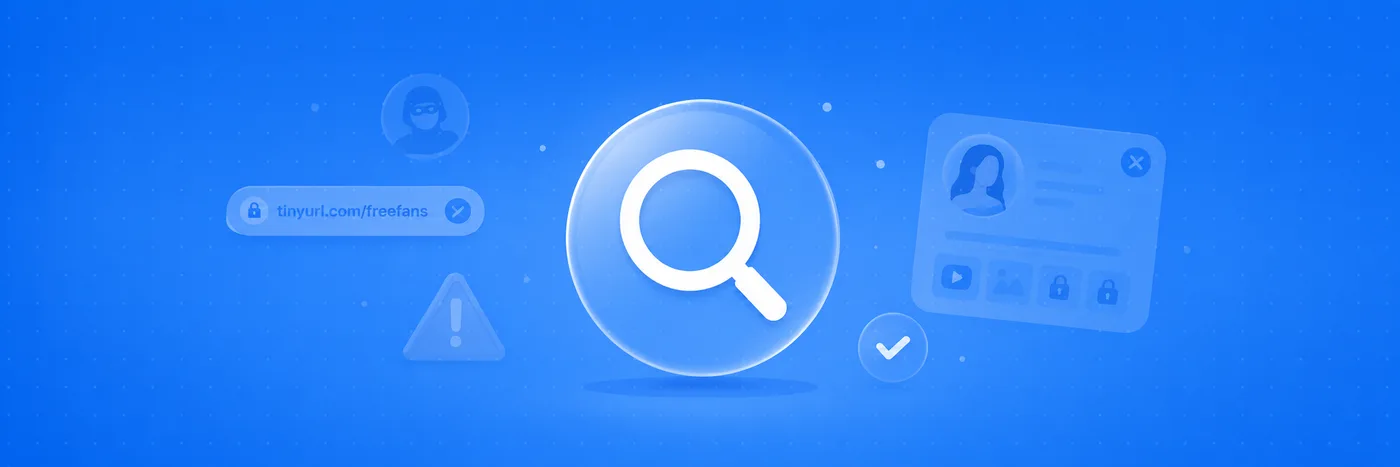
Seven signs to check before you subscribe
No single sign is definitive proof on its own. But if you spot two or three together, it is time to stop and verify properly.
- The link does not go to the official platform. Always check the link ends on the real platform domain, not on an intermediary page that copies the look. Scams often use lookalike pages to intercept the payment.
- They ask you to pay outside the platform. Bank transfers, top-ups, gift cards or crypto “to skip the fees” are the strongest red flag. Outside the official channels you have no protection.
- No reviews and no verification. A profile with no history, no verified reviews and no badge is simply unverifiable: it does not mean it is fake, but the risk is entirely on you.
- Pressure and urgency. “Today only”, “last spots”, countdowns: urgency exists to stop you thinking. A serious creator does not need to rush you.
- Profile photos found elsewhere. If the same image appears on dozens of different accounts, it may be a cloned profile. A reverse image search clears it up in seconds.
- Usernames that do not match. Check the handle is the same across every linked channel. Small differences (an extra underscore or number) are the classic clone trick.
- Promises too good to be true. Free exclusive content, gifts, “private contact”: if the offer feels unreal, it usually is.
What to do before you pay
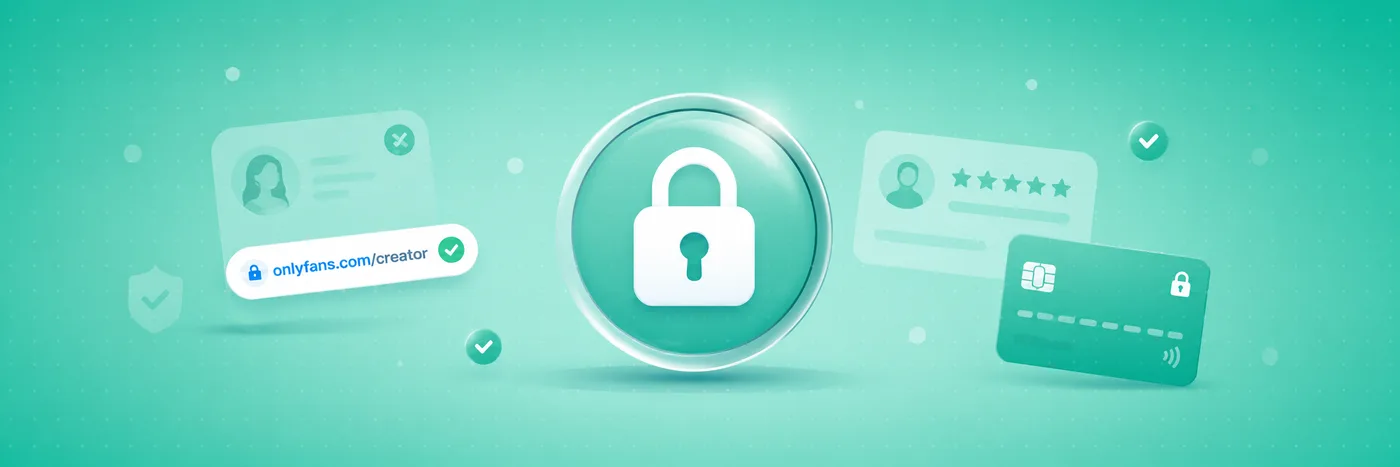
Three quick checks make the difference:
- Verify the link points to the official platform profile, not an intermediary site.
- Look up the profile on a review platform to see its trust signals and real opinions.
- Only use the payment methods protected by the platform itself, never side channels.
If someone asks you to pay outside the platform, the right answer is almost always “no”.
This is exactly why FanChecked exists: a neutral place to check how trustworthy a profile is before you support it. Before you pay, look the creator up on FanChecked to see verified reviews and the official link.
💡 Not sure a creator is worth it? Read real reviews before you subscribe.
Browse reviewsFrequently asked questions
Is a profile without reviews automatically a scam?
No. Missing reviews only mean the profile has not been independently checked yet. Treat it with extra caution, verify the official link and use traceable payments.
How can I check if a creator is real?
Confirm the link lands on the official platform, reverse-search the profile photo, check the handle matches across channels, and look for verified reviews on a review platform.
What is the safest way to pay a creator?
Pay only through the platform’s own protected checkout. Avoid bank transfers, gift cards or crypto sent directly: outside the platform you have no buyer protection.
Note. This article is for information only and is not an accusation against any specific profile or person. FanChecked is not affiliated with the third-party platforms mentioned and accepts no responsibility for transactions made outside its own service.