Few billing emails sting like the one for a subscription you thought was over. With OnlyFans that surprise has a precise mechanical explanation, and since June 2026 it also has a courtroom: a United States appeals court has revived a class action about how the platform presents its automatic renewals. Here is how OnlyFans billing actually works in 2026, the four reasons a charge shows up when you did not expect it, what the lawsuit does and does not say, and the one toggle that decides everything.
Does OnlyFans auto-renew your subscriptions?
Yes. The mechanics, as the platform's pages and creator guides describe them:
- Renewal is the default: every subscription re-ups automatically at the end of its billing period. If you do nothing, you keep paying.
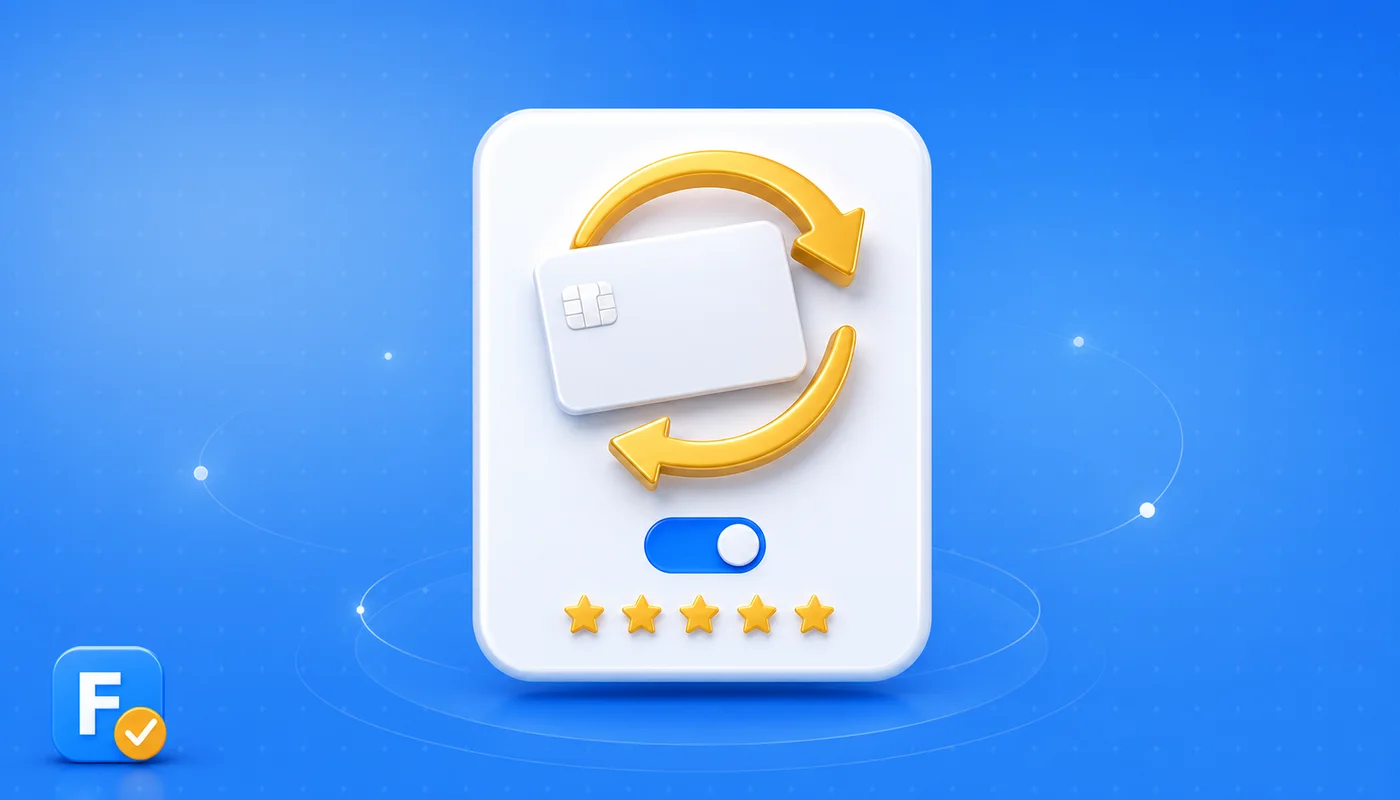
- There is no cancel button: what OnlyFans offers is an Auto-Renew toggle on each creator's page. Off means the subscription simply expires at the end of the period you already paid for.
- Free subscriptions renew too: at zero dollars, which keeps you subscribed and keeps the creator's paid messages arriving in your inbox.
- Each subscription lives on its own: subscribe to five creators and you have five separate renewals, each with its own toggle and date.
Why did OnlyFans charge me again?
Almost every surprise charge traces back to one of four causes:
- The toggle stayed on. The most common case by far: the subscription renewed because nothing told it not to.
- A discounted period ended. Promotional first months and discounted bundles typically renew at the creator's regular monthly price, so the second charge can be higher than the first.
- A free trial converted. Trial links often ask for a card up front, and when the trial ends the subscription continues as a paid renewal unless you switched it off in time, as we detail in how OnlyFans free trials work.
- Several small subscriptions added up. A few pages at 5 to 10 dollars each quietly become a real monthly total, the arithmetic we broke down in how much OnlyFans costs.
One mechanic works in your favor: when a creator raises their price, existing subscribers keep renewing at the price they signed up at, per the platform's guides. The increase only applies to new subscribers.
What is the OnlyFans auto-renewal lawsuit about?
The case now back on the docket started in December 2022, when subscribers filed a putative class action against Fenix Internet LLC, the operator of OnlyFans.com. According to court records as reported by the legal press, the plaintiffs allege that the platform violated California's Automatic Renewal Law and unfair competition law by not presenting renewal terms in a clear and conspicuous way near the subscribe button, and by not offering a sufficiently simple, one-step way to cancel.
A district court dismissed the case. Then, on June 30, 2026, a Ninth Circuit appeals panel reversed that dismissal in an unpublished memorandum and sent the case back down, including for a closer look at jurisdiction, per those same reports. California's rules on subscriptions are among the strictest in the United States: automatic renewals must be disclosed clearly, agreed to affirmatively, and easy to cancel.
💡 Not sure a creator is worth it? Read real reviews before you subscribe.
Browse reviewsWhat it means for subscribers right now: nothing changes today. The revival means the arguments will be heard, not that they have been won, and cases like this take years. What it already confirms is worth internalizing anyway: regulators and courts increasingly expect subscription platforms to make renewals obvious and exits easy.
How do you stop the next renewal?
In under a minute: log in, open the creator's page, find the subscription box and switch Auto-Renew off, then check for the confirmation that your subscription will not renew. You keep full access until the period you paid for runs out, so there is no reason to wait for the last day. The complete walkthrough, including what happens to your chats and what to do about bundles, is in how to cancel an OnlyFans subscription. And if the charge already landed and you want it back, temper expectations before you fight: refunds on OnlyFans are rare and chargebacks have real side effects, as we explain in how OnlyFans refunds work.
A subscription you forgot is still a subscription the system remembers. The toggle, not your intention, decides what your card does next month.
Before the next subscription, check the page first: on FanChecked you can read verified reviews of thousands of creators, see real subscription prices, and know what you are signing up for before the rebill loop starts.
Frequently asked questions
Does OnlyFans auto-renew subscriptions by default?
Yes. Every OnlyFans subscription, paid or free, renews automatically at the end of its billing period unless you switch the Auto-Renew toggle off on that creator's page. There is no separate cancel button, and nothing expires on its own.
How do I turn off auto-renew on OnlyFans?
Log in, open the subscribed creator's page, find the subscription box and switch Auto-Renew off. You keep access until the end of the period you already paid for, then the subscription expires instead of renewing.
What is the OnlyFans auto-renewal class action about?
Per legal press reports, subscribers allege that OnlyFans' operator, Fenix Internet LLC, violated California's Automatic Renewal Law by not disclosing renewal terms clearly near the subscribe button and not offering a one-step cancellation. A district court dismissed the case, and on June 30, 2026 the Ninth Circuit revived it and sent it back for further proceedings. These are allegations; no court has ruled on the merits.
Will I get a refund if I forgot to turn off auto-renew?
Usually not. OnlyFans refunds are rare and evaluated case by case, and disputing the charge with your bank can get your account restricted. The reliable protection is switching Auto-Renew off as soon as you know you will not continue, since access lasts until the period ends anyway.
Note. Court case details per court records as reported by legal press outlets including Mealey's, Law360 and ClassAction.org; the claims are allegations and no court has ruled on their merits. Platform billing mechanics per OnlyFans' public pages and creator guides, and they can change. This is general information, not legal or financial advice. FanChecked is an independent review platform and is not affiliated with, endorsed by, or sponsored by OnlyFans, Fansly or Fanvue.