Type "does OnlyFans notify screenshots" into any search bar and you will find a lot of noise. So here is the straight answer, with no scare tactics: no, OnlyFans does not notify anyone when you take a screenshot. Not the creator, not you. But "no notification" is not the same as "no rules", and the difference is where people get into real trouble.
The short answer: no notification
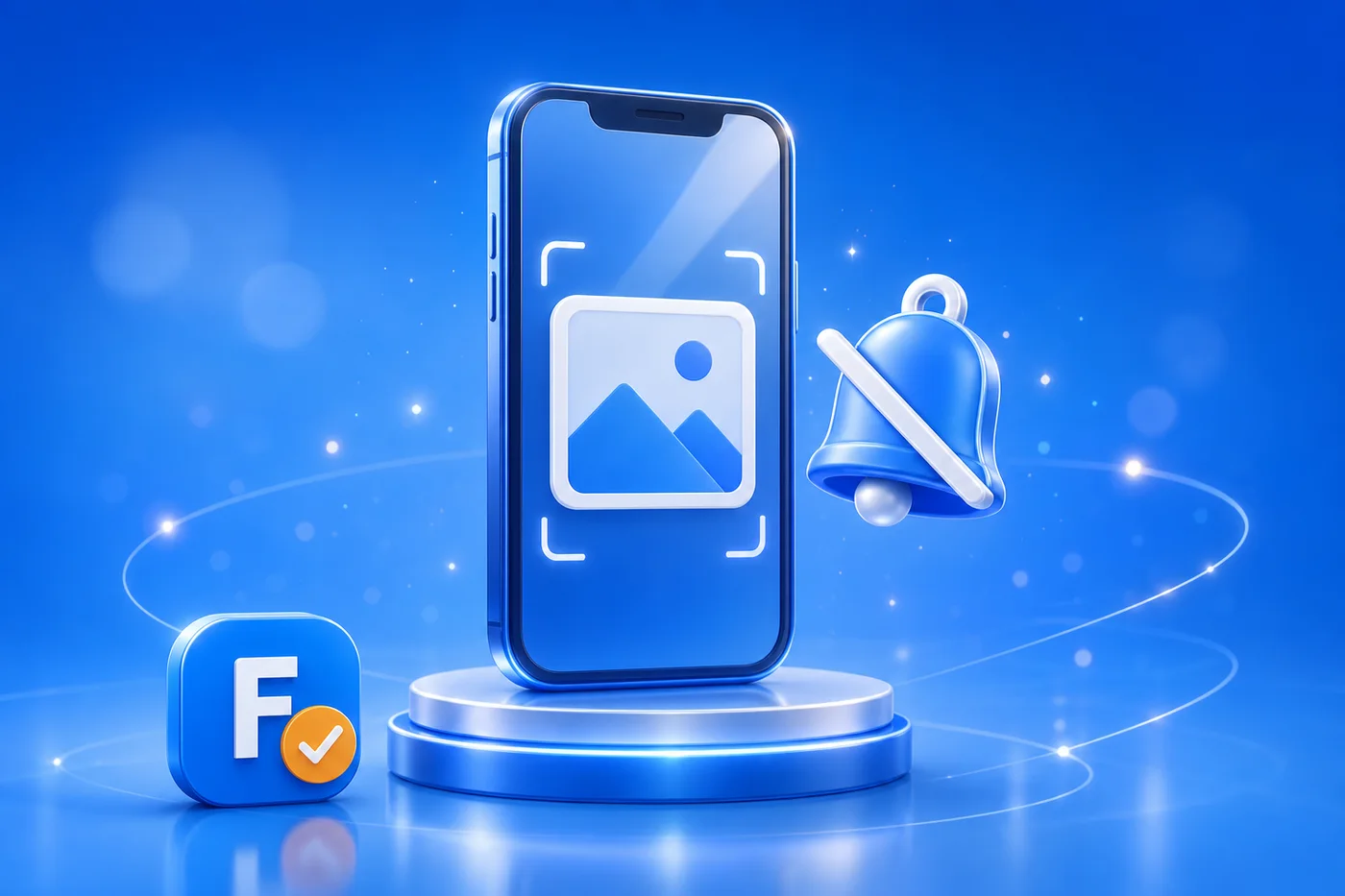
OnlyFans does not send an alert when a screenshot is taken, and it does not tell the creator who did it. This is the opposite of apps like Snapchat, which flag screenshots inside private chats. The same goes for screen recording: there is no pop-up, no badge, no email. It works that way whether you are on a phone, a tablet or a desktop, and whether you use the website or the mobile app. If your only worry was "will the creator get a notification", you can relax. That part simply does not happen.
Why OnlyFans cannot detect screenshots
The reason is technical, not a favor to users. OnlyFans is mainly a web platform: you view content through a browser, and browsers have no built-in way to detect or block a screenshot taken by the operating system. A website cannot see that you pressed the screenshot keys, so it cannot report it. Even on the mobile app, OnlyFans does not lock the screen against capture the way some banking apps do. So the lack of a notification is not a setting someone forgot to turn on, it is how the web works. Anyone promising a tool that "tells creators who screenshotted" is selling something that does not exist.
But a screenshot is not free: terms and copyright
Here is the part the clickbait skips. The fact that nobody gets pinged does not make a screenshot harmless. Under the OnlyFans Terms of Service, subscribers agree to view content for personal, non-commercial use only. Taking a screenshot to repost it, resell it or share it is a clear violation, and the content itself is protected by the creator's copyright. Doing it can get your account suspended or permanently banned, and it can expose you to real legal action: creators can file DMCA takedowns and escalate through OnlyFans' legal channels. No notification goes out, but a copyright claim does not need one.
What this means for fans and creators
For fans, the takeaway is simple. A private screenshot for yourself does not trigger an alarm, but distributing it, leaking it or selling it is illegal and hurts a real person on the other side of the screen. If a "leak" lands in your feed, know that it almost always started as stolen content. We cover that whole problem in our guide to OnlyFans leaks, and if you care about your own privacy as a subscriber, read is OnlyFans anonymous. For creators, the honest message is that you cannot rely on detection, because there is none: watermarks, DMCA and choosing who you trust matter far more. And before you pay anyone, make sure the profile is the real deal. See how to spot an OnlyFans scam and our OnlyFans review.
💡 Not sure a creator is worth it? Read real reviews before you subscribe.
Browse reviewsOnlyFans will not notify anyone about your screenshot. Copyright law, on the other hand, does not need a notification.
Before you subscribe to anyone, check that the creator is real and worth it. Search any profile on FanChecked and read verified reviews from real subscribers, free and with no login.
Frequently asked questions
Does OnlyFans notify the creator when you screenshot?
No. OnlyFans does not send any screenshot notification, to the creator or to you. It is mainly a web platform, and browsers cannot detect screenshots taken by your device, unlike Snapchat.
Can OnlyFans detect screen recording?
No. There is no detection or alert for screenshots or screen recording, on mobile or desktop, on the website or the app. The platform has no technical way to see it.
Is it legal to screenshot OnlyFans content?
A personal screenshot is not blocked, but reposting, sharing or selling it without permission violates the OnlyFans Terms of Service and the creator copyright. That can lead to account bans and legal action, including DMCA takedowns.
Can a creator find out who screenshotted or leaked their content?
OnlyFans does not reveal who took a screenshot. But creators can fight leaks with watermarks, DMCA takedown requests and OnlyFans legal and support channels. See our guide on OnlyFans leaks for how that works.
Note. This article reflects general public information as of July 2026 about how OnlyFans works and its terms, which can change over time. It is general information, not legal advice. Always respect platform terms and creators' copyright. FanChecked is an independent review platform and is not affiliated with OnlyFans.