Few things are more irritating than a card that works everywhere except the one checkout you actually care about. OnlyFans payment declines are rarely random: behind almost every "transaction could not be processed" there is one of a handful of causes, from a missing 3D Secure check to a bank that quietly refuses adult merchants. Here is what actually blocks payments on OnlyFans in 2026, and the fixes in the order worth trying them.
Which cards does OnlyFans actually accept?
Before debugging, check that your card is even in the game, per OnlyFans' payment pages and 2026 guides:
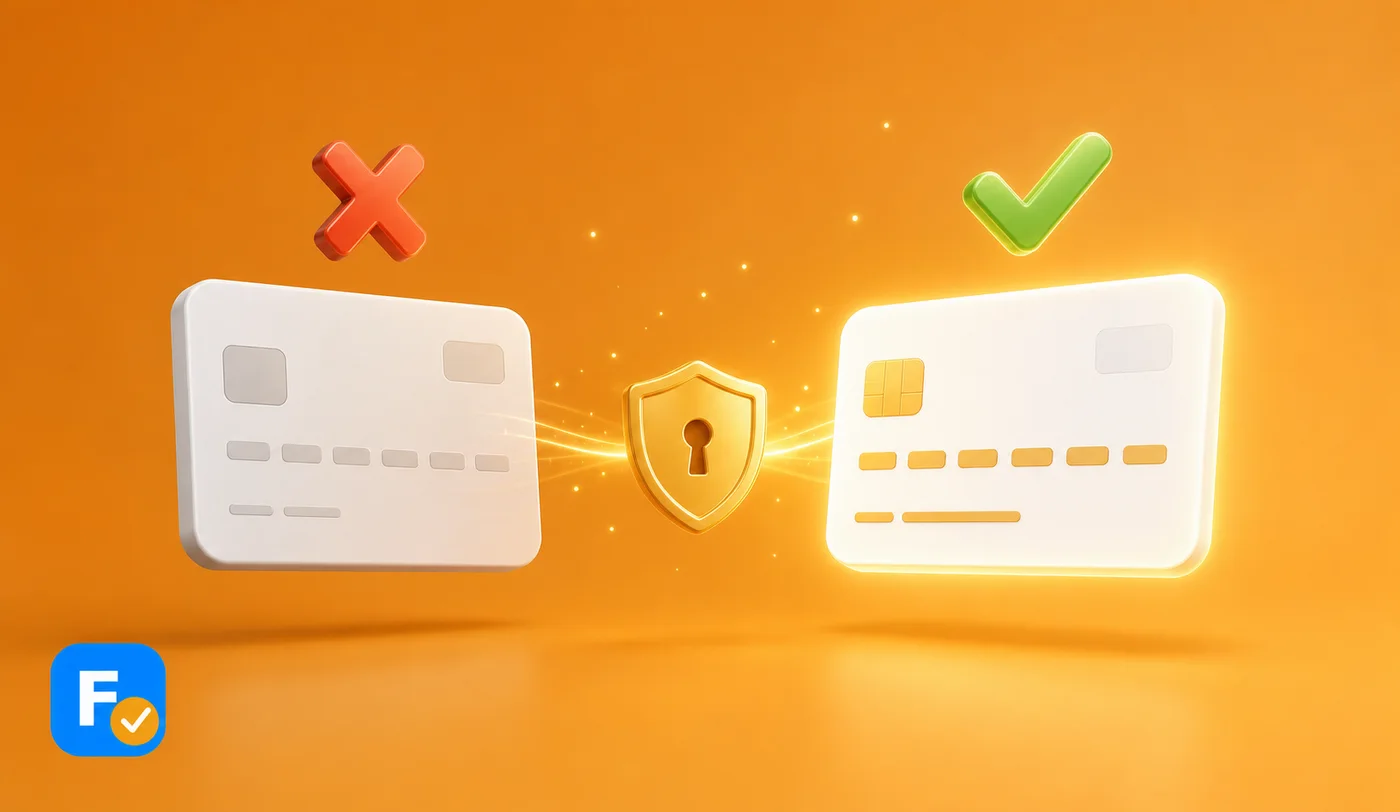
- Accepted: Visa, Mastercard, Maestro and Discover, credit or debit, with 3D Secure authentication enabled.
- Not accepted: PayPal and gift cards, full stop. Many prepaid cards are rejected too, and debit cards without 3D Secure fail at the verification step.
- Where to add it: add and verify the card in your account settings under payments before trying to subscribe, a flow we walk through in how to pay for OnlyFans.
If your card is on the wrong side of this list, no amount of retrying will help: switch cards and the problem usually disappears.
Why does OnlyFans keep declining your card?
If the card type is fine, the decline almost always comes from one of these, as the guides consistently report:
- 3D Secure is off: OnlyFans requires it, and a card without it fails even with plenty of funds. This is the single most common cause.
- Your bank is blocking adult merchants: adult platforms sit in a high risk category, first purchases often get flagged as suspicious, and some banks and faith based credit unions refuse the category outright as policy.
- VPN or location mismatch: paying from an IP in one country with a card from another looks like fraud to the risk systems.
- Boring basics: a typo in the number or CVV, an expired card, insufficient funds, or a billing address that does not match the bank's records.
- Too many attempts: hammering the retry button after failures can trigger a temporary block on the account or card, which then declines even valid payments.
The fixes, in the order worth trying
Work down the list; most people never reach the bottom:
💡 Not sure a creator is worth it? Read real reviews before you subscribe.
Browse reviews- 1. Re-check the basics: number, expiry, CVV, funds, and a billing address that matches your bank records exactly.
- 2. Enable 3D Secure: in your banking app or with a call to the bank. On many cards it is one toggle.
- 3. Call the bank: confirm you authorized the payment and ask them to allow the merchant. This clears the classic first purchase block in minutes.
- 4. Turn off the VPN and pay from your real location, then turn it back on afterwards if you like.
- 5. Try another Visa or Mastercard, ideally a full credit card rather than prepaid or basic debit.
- 6. Change the environment: clear cache, use an incognito window, another browser or your phone instead of desktop.
- 7. If you have retried a lot, stop: wait a day or two before the next attempt, per the guides, so any temporary fraud block expires.
- 8. Use a virtual card from your own bank, if it offers one with 3D Secure: same money, cleaner acceptance.
- 9. Still stuck? Contact OnlyFans support with the exact error message; if the block is on the bank's side they will tell you.
What if the bank simply refuses adult transactions?
It happens, and it is policy rather than a bug: some institutions decline the entire adult merchant category and will tell you so if you ask directly. In that case no retry trick helps, and the honest options are a card from a different bank or a legitimate virtual card issued by a bank that does not block the category. Two side notes worth knowing before you switch cards: the charge appears under a neutral descriptor on your statement, a topic we cover in does OnlyFans show on your bank statement, and once a payment goes through, getting money back is hard, as we explain in how refunds work on OnlyFans. So before you fight your bank for a subscription, make sure the subscription deserves it: the full signup flow is in how to subscribe to OnlyFans.
The card is fine, the money is there, and the checkout still says no. Somewhere between your bank's policy and a fraud algorithm, somebody decided for you.
Before you fight for a payment, make sure the creator is worth it. Search any creator on FanChecked, read verified reviews from real subscribers, and decide before you pay. Free, no login required.
Frequently asked questions
Why does OnlyFans keep declining my card even though it has money?
The most common causes are a missing 3D Secure authentication on the card, a bank blocking the adult merchant category, especially on a first purchase, a VPN or country mismatch tripping fraud checks, or a billing address that does not match your bank records. Funds are rarely the real problem.
Does OnlyFans accept PayPal or prepaid cards?
No PayPal and no gift cards. OnlyFans accepts Visa, Mastercard, Maestro and Discover with 3D Secure, per its payment pages, and many prepaid cards are rejected. A standard credit or 3D Secure debit card is the reliable option.
Can my bank block OnlyFans payments?
Yes. Adult platforms sit in a high risk merchant category, and some banks and credit unions decline it by policy. A call to the bank authorizing the payment fixes the common first purchase block; if the bank refuses the category outright, you need a card from a different institution.
How long does an OnlyFans payment block last?
Temporary blocks triggered by repeated failed attempts typically clear within a day or two, according to the guides. Stop retrying, fix the underlying cause, and attempt the payment again the next day.
Note. Accepted payment methods and platform behavior reflect OnlyFans' public payment pages and widely reported guides as of 2026 and can change. General information, not financial advice. FanChecked is an independent review platform and is not affiliated with, endorsed by, or sponsored by OnlyFans, Fansly or Fanvue.