Thinking about starting an OnlyFans? Most guides online either oversell the dream or lecture you out of it. This one does neither: here is what the platform actually requires, what it takes, and the two things nobody tells beginners, that discovery is entirely your job and that the first contract you are offered deserves a lawyer's eyes.
The requirements
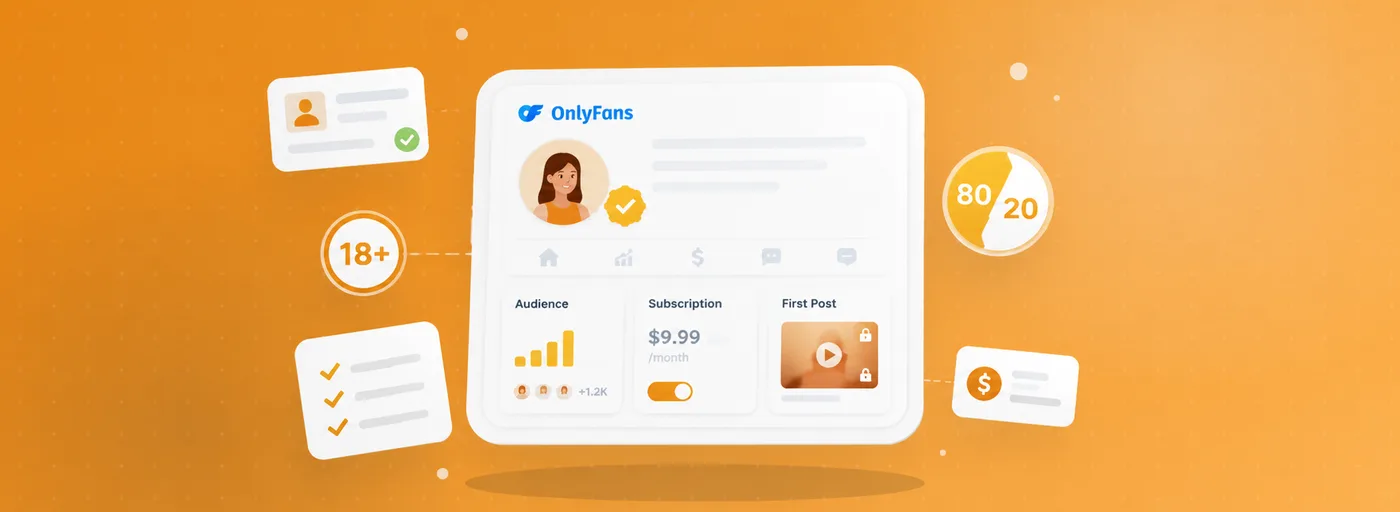
To open a creator account you must be at least 18 and pass identity verification: a government-issued ID plus a selfie check, for every person appearing in the content. You will also need to provide payout details (a bank account in your name) and tax information for your country. Verification is reviewed manually and typically takes from hours to a few days.
Setting up your page
The decisions that matter at the start are few: your niche, your price, and your rhythm. On pricing, the real choice is between a paid page and a free page that monetizes through pay-per-view: free builds audience faster, paid filters for committed subscribers. Whatever you choose, consistency beats intensity: a sustainable posting schedule outperforms a heroic first month followed by silence.
The 20% fee, payouts and taxes
OnlyFans publicly states that creators keep 80% of earnings; the platform retains 20% across subscriptions, tips and pay-per-view. Earnings accumulate in your creator balance and can be withdrawn once they pass the platform's minimum payout threshold. Remember that this is self-employment income: set aside money for taxes from the first payout, because your country's tax authority will not forget you exist.
Discovery is on you
OnlyFans has no public search and very little internal discovery: your audience comes from where you promote yourself, usually social media. Plan for that work, it is half the job. If internal discovery matters to you, compare platforms first: our OnlyFans vs Fansly comparison covers exactly this difference.
💡 Not sure a creator is worth it? Read real reviews before you subscribe.
Browse reviewsAgency offers: read before you sign
Once your page grows, agency and management offers will arrive. Some agencies do real work, but the contracts deserve cold reading. Walk away, or negotiate hard, when you see:
- Commission tiers that rise as you earn more, applied to your entire revenue: a structure that punishes your growth.
- Fixed penalty clauses worth thousands for late payments, early exit or changing your own passwords.
- Clauses giving the agency control of your account credentials, or forbidding you from changing them.
- Multiple companies signing as one undefined "agency", so responsibility belongs to nobody.
- No cooling-off period and no clean exit with reasonable notice.
Build trust from day one
Subscribers research creators before paying, exactly like they research hotels. Reviews are how unknown creators convert careful fans. On FanChecked you can claim your creator profile for free, link your official page so impersonators lose their grip, and let verified reviews from real subscribers do the convincing for you.
Frequently asked questions
How much do OnlyFans creators earn?
OnlyFans does not publish creator earnings statistics, and incomes vary enormously: from creators earning nothing to full-time incomes. Treat any "average earnings" number you read online as marketing, not data.
Do I have to show my face on OnlyFans?
No platform rule requires it, and anonymous creators exist. But staying faceless makes promotion and audience-building meaningfully harder, so weigh the privacy benefit against the growth cost.
How long does OnlyFans verification take?
Identity verification is reviewed manually and typically takes from a few hours to a few days. Clear ID photos and matching account details speed it up; check the official help pages for current timelines.
Note. This guide reflects publicly available information about OnlyFans as of June 2026. FanChecked is an independent review platform and is not affiliated with, endorsed by, or sponsored by OnlyFans. Prices, features and terms change over time: always check the official site before making decisions.