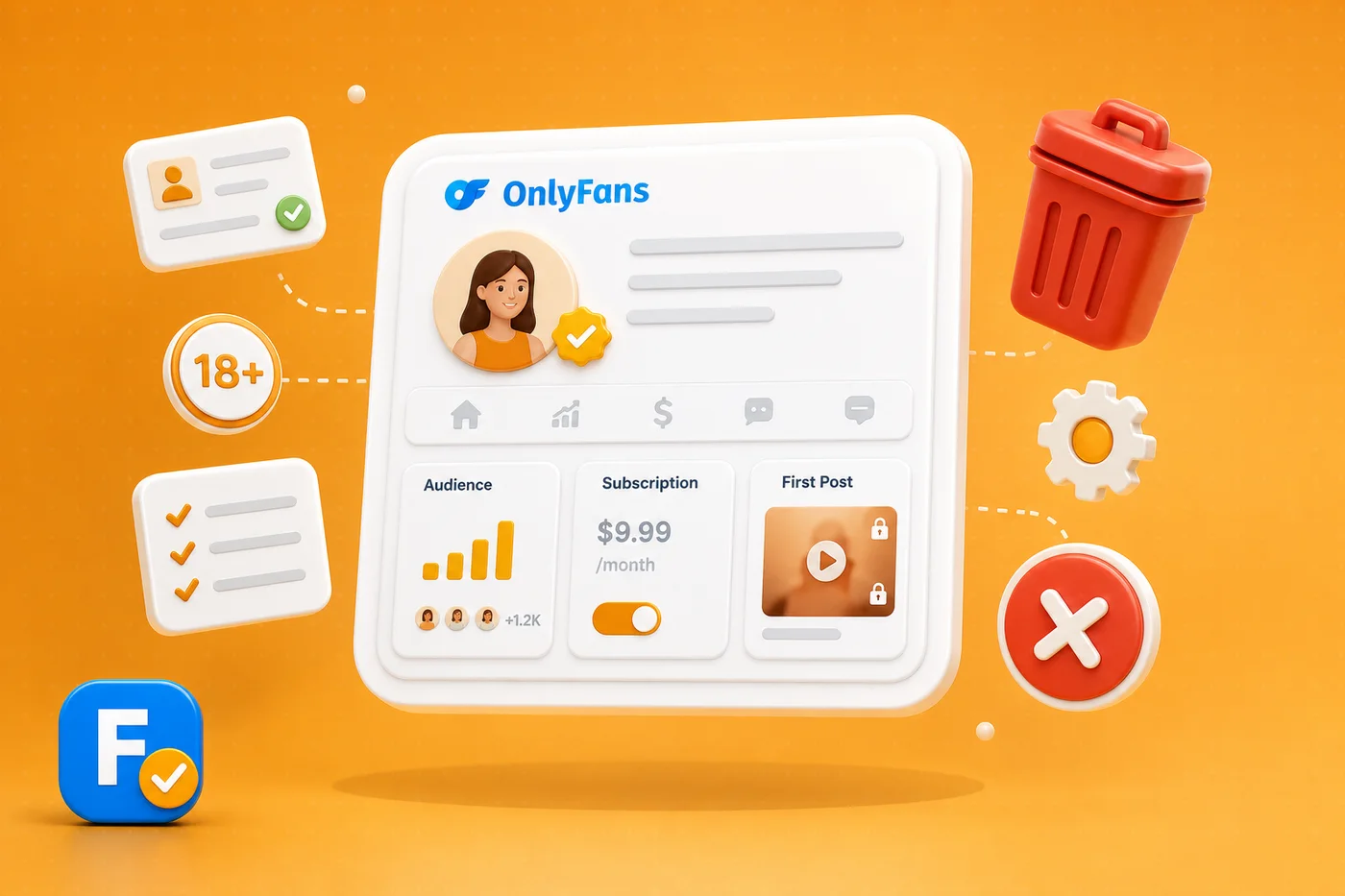
Deleting your OnlyFans account is not the same as cancelling a subscription, and confusing the two is the most common mistake people make. This guide explains the difference, walks through deleting your account the right way, and covers what happens to your data afterwards, so you leave cleanly and on purpose.
Delete vs cancel: know the difference
Cancelling a subscription just stops one recurring payment to one creator. Your account stays open. Deleting your account removes the whole account from OnlyFans. If your only goal is to stop paying a specific creator, you do not need to delete anything, you simply turn off the renewal, which we cover in how to cancel an OnlyFans subscription. Delete only when you want to leave the platform entirely.
How to delete your account
The process lives in your account settings and takes a couple of minutes:
- Open your profile settings on the OnlyFans website.
- Find the account section and choose to delete or deactivate your account.
- Confirm your choice, and complete any verification step the platform asks for.
The exact wording changes over time, so always follow the current options on the official site.
What happens to your data
When you delete, your public profile and content come down and your account is closed. Some records may be retained for a period for legal, tax and anti-fraud reasons, which is normal for any regulated payment business. If privacy is your reason for leaving, that is worth knowing, and it is part of the bigger picture we cover in is OnlyFans anonymous.
💡 Not sure a creator is worth it? Read real reviews before you subscribe.
Browse reviewsBefore you delete: a quick checklist
Cancel any active subscriptions first so nothing renews, save anything you want to keep, and make sure you are not mid-dispute on a charge. If you are a creator, withdraw your remaining balance before closing. A clean exit beats a rushed one.
Decide what you actually want first: stop a charge, or leave the platform. The steps are different.
Leaving one creator does not mean leaving the idea. When you are ready to subscribe again, search any creator on FanChecked and read verified reviews before you pay. Free, no login required.
Frequently asked questions
Is deleting an OnlyFans account the same as cancelling?
No. Cancelling stops one recurring subscription and keeps your account open. Deleting closes your entire account. If you only want to stop paying a creator, cancel instead.
Can you delete an OnlyFans account permanently?
Yes, through your account settings. Your profile and content are removed, though some records may be retained for a period for legal and anti-fraud reasons, as with any payment platform.
Do I need to cancel subscriptions before deleting?
It is the safe order. Cancel active subscriptions so nothing renews, withdraw any balance if you are a creator, then delete the account.
Will deleting OnlyFans remove the charge from my bank statement?
No. Deleting your account does not erase past charges that already appeared. It only stops future activity.
Note. Account steps and wording change over time, so always follow the current options on the official OnlyFans site. FanChecked is an independent review platform and is not affiliated with, endorsed by, or sponsored by OnlyFans.