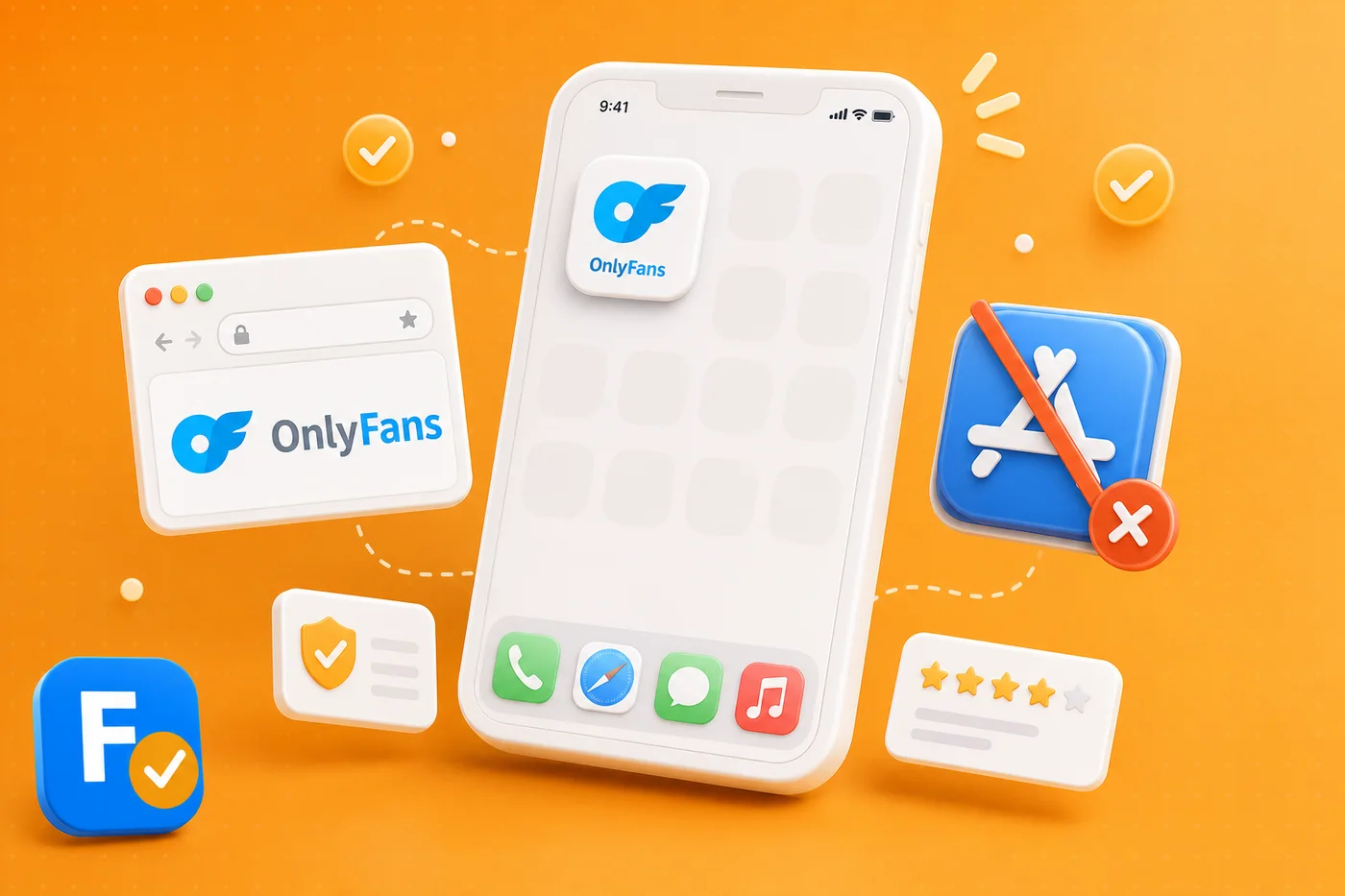
"Does OnlyFans have an app?" is one of the most searched OnlyFans questions, and the short answer surprises people: there is no official app in the Apple App Store or Google Play. That is by design, not an oversight. Here is why, and exactly how to use OnlyFans comfortably on your phone in 2026.
Why there is no app store app
Apple and Google both restrict adult content in their app stores, so OnlyFans does not ship a native app there. Instead, OnlyFans is a website built to work well on mobile browsers. This is common for adult platforms and is the main reason any "OnlyFans app" you find in a store is not the real thing.
How to use OnlyFans on your phone
You simply use the site in your browser:
- Open your mobile browser, like Safari or Chrome.
- Go to the official OnlyFans website and log in.
- Everything works as normal: feed, messages, payments and notifications.
For a smoother feel, you can add the site to your home screen, which we cover next.
Add OnlyFans to your home screen
Both iPhone and Android let you save a website as an icon that opens like an app. On iPhone, use Safari's share menu and choose Add to Home Screen. On Android, use the browser menu and choose Add to Home screen or Install. You get an app-like icon without an app store, and without the fake apps that pretend to be OnlyFans.
💡 Not sure a creator is worth it? Read real reviews before you subscribe.
Browse reviewsBeware fake OnlyFans apps
Because there is no official app, scammers fill the gap with fake ones that exist to steal logins or push malware. If something claims to be the OnlyFans app in a store or a download link, treat it as suspicious. The only safe way in is the official website, the same principle we stress in is OnlyFans safe.
There is no OnlyFans app to download. There is the official website, and everything pretending to be more.
Before you subscribe from your phone, verify who you are paying. Search any creator on FanChecked, read verified reviews, and follow the official link. Free, no login required.
Frequently asked questions
Is there an official OnlyFans app?
No. There is no official OnlyFans app in the Apple App Store or Google Play, because both restrict adult content. OnlyFans runs as a website that works well in mobile browsers.
How do I get OnlyFans on my iPhone?
Open OnlyFans in Safari, log in, then use the share menu and choose Add to Home Screen to get an app-like icon. There is nothing to download from the App Store.
Is the OnlyFans app on Google Play safe?
There is no official OnlyFans app on Google Play. Anything claiming to be one is unofficial and may be a scam, so use the official website instead.
Can I get notifications without an app?
Yes. When you use the website and add it to your home screen, you still get the platform notifications and full functionality through the browser.
Note. App store policies and device steps change over time, so always confirm on the official OnlyFans site and your device settings. FanChecked is an independent review platform and is not affiliated with, endorsed by, or sponsored by OnlyFans.